 MemeHatch
How to do the Skull Cap trend with your dog or cat
There are two ways to put your pet in the Skull Cap trend: film it yourself with a real beanie, or make it from one photo in a few minutes. Here’s how to do both, plus photo tips and how to add the sound.
Last updated: November 6, 2026
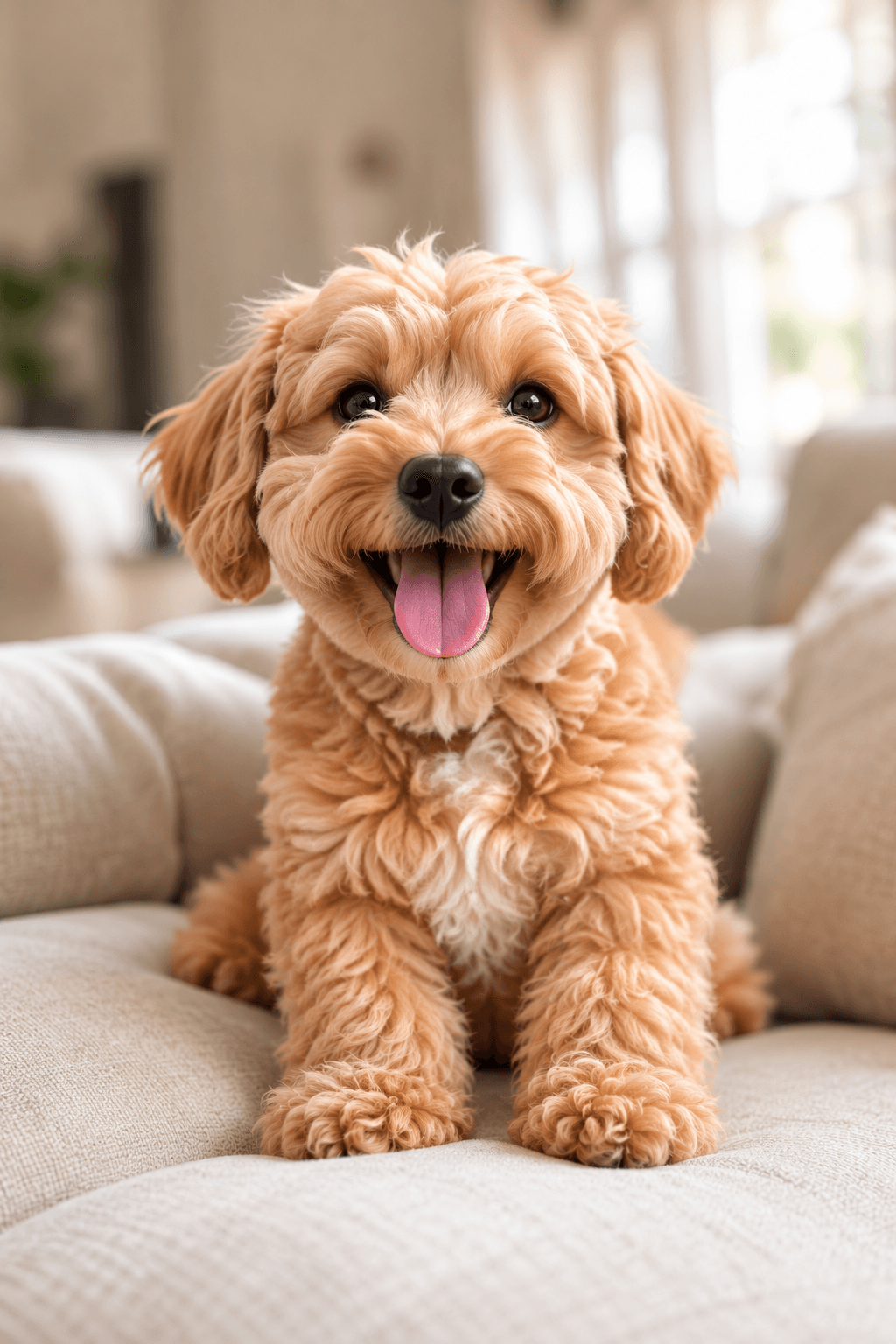
An example made with MemeHatch from one photo. Play it to see the before, the snap and the after.
What the Skull Cap trend is
It’s a short before-and-after clip. It opens on a normal, happy moment. Then, right on the beat drop of the sound, it cuts hard to the “after”: a black knit skull cap (a fitted beanie), a black hoodie and a cold, unimpressed stare straight at the camera.
With pets, the joke is the contrast. A goofy, friendly dog or cat suddenly looks like it means business.
Option 1: film it yourself
- Get the look. A small black beanie and a black pet hoodie. A loose knit hat works if your pet won’t wear a hoodie.
- Film the “before”. Two or three seconds of your pet being itself: tongue out, tail going, playing. Hold your phone upright.
- Film the “after”. Put the cap and hoodie on, then film a few seconds of your pet looking straight into the camera. Holding a treat just above the lens helps with the stare.
- Cut on the beat drop. In TikTok or CapCut, join the two clips so the switch lands exactly on the drop of the trend sound.
Be kind to your pet. Keep it short, reward with treats, and stop if your pet tries to pull the hat off, flattens its ears or seems stressed. Never leave a pet alone in clothing.
Where it usually goes wrong: most pets won’t keep a hat on, few will hold still for a serious stare, and hoodies rarely fit cats. That’s what the next option is for.
Option 2: make it from one photo
- Pick one photo of your pet with its face clearly visible and no people in it. See the photo tips below.
- Upload it in Create. We check it straight away.
- Choose a look and make a free preview. It takes about 10 seconds, and you can make up to 6 free previews a day. If it isn’t right, make another.
- Pay $4.99 when you like the preview. Your video starts with your photo and snaps to that look, like a beat drop.
- Download it. It’s usually ready in 2–5 minutes, and we email you when it’s done. You’ll find the MP4 in My videos.
If we can’t make your video, you get a full refund. See the refund policy.
Make your pet’s Skull Cap videoPick a look
Every look keeps the black knit cap and changes the outfit and the scene around your pet. These are free previews of the same corgi in each one.
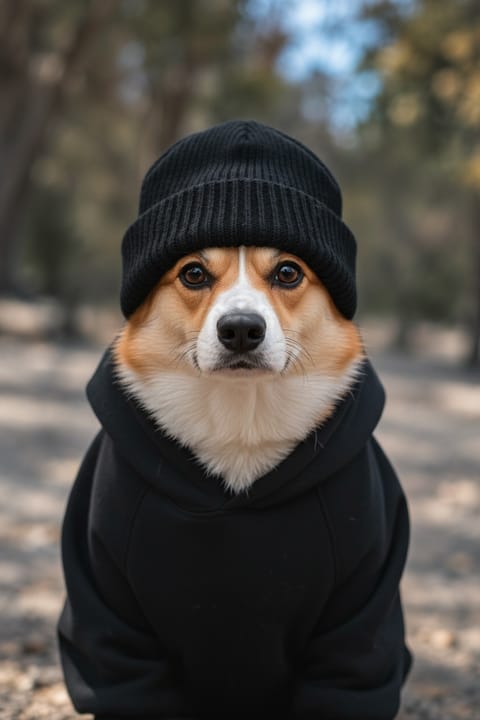 ClassicBlack cap and hoodie, moody light
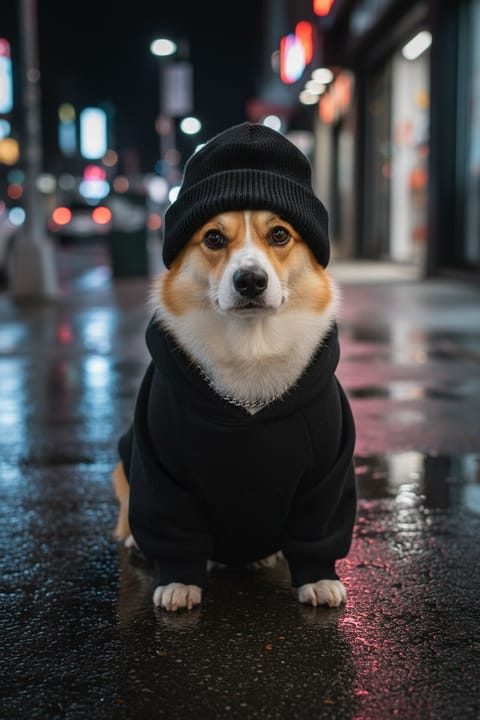 StreetNight city, neon and a silver chain
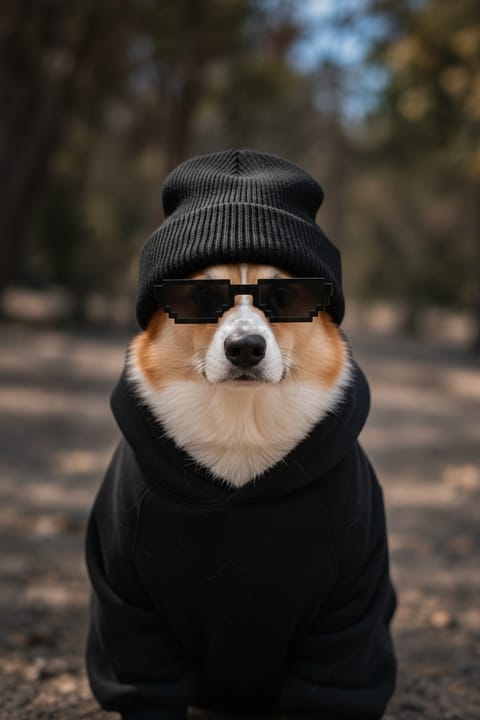 Deal with itPixel sunglasses drop in
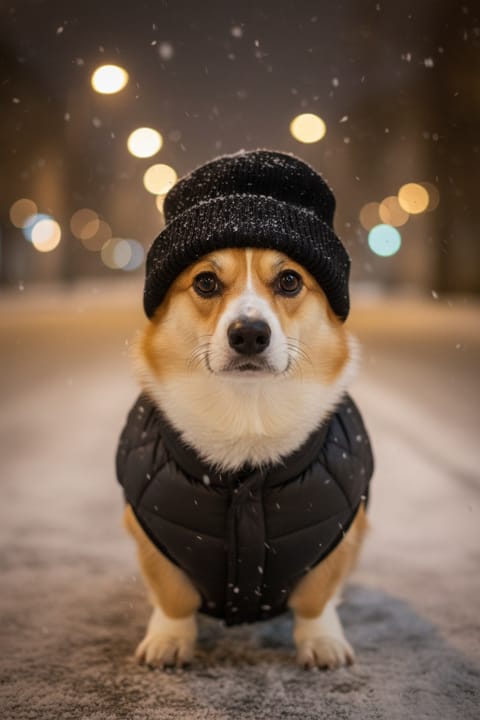 Snow nightPuffer jacket, falling snow, warm lights
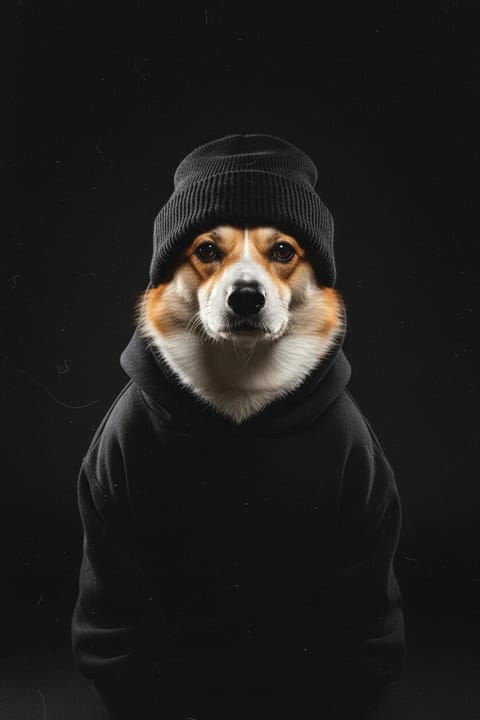 Album coverPitch-black studio, one hard light
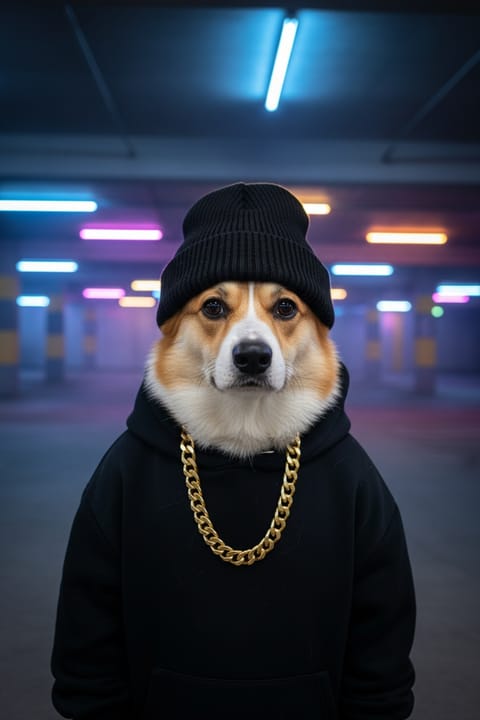 Rap videoNeon parking garage, gold chain
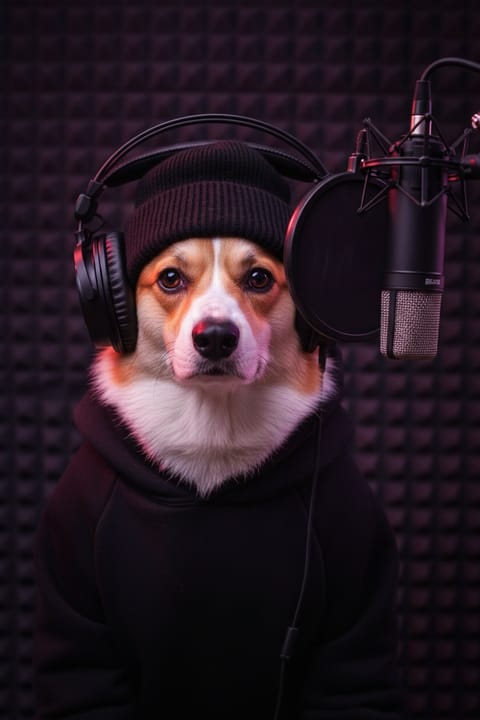 Studio sessionHeadphones, mic and purple light
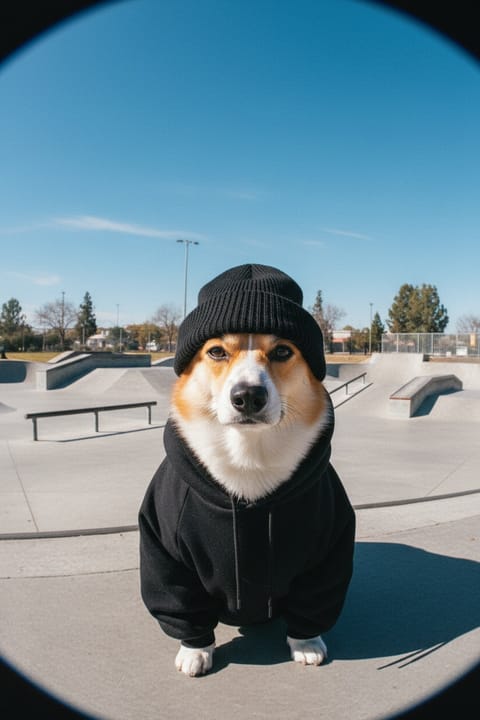 Fisheye skate90s skate video, sunny skate park
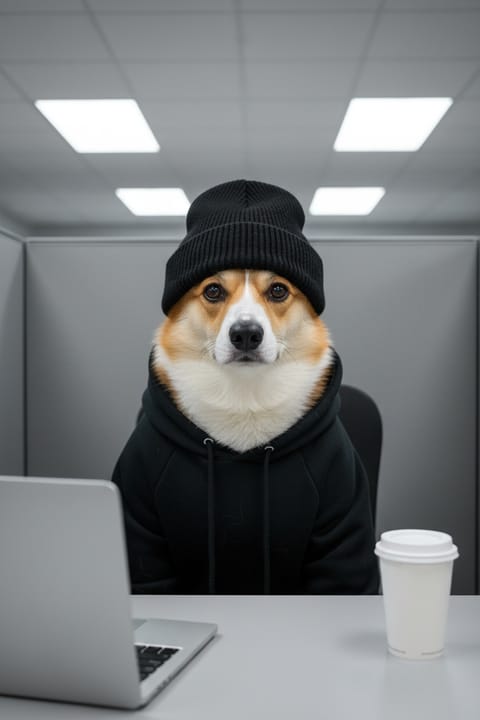 Office workerCubicle, laptop and a Monday face
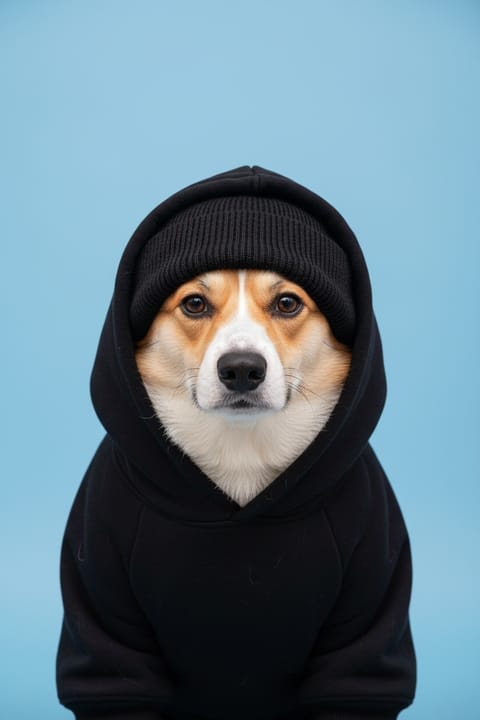 ID photoBlue backdrop and a camera flash
 DanceGets up and dances for about 10 seconds
Photo tips for pets
- One pet, face in focus. The eyes and nose should be sharp and easy to see.
- Shoot at your pet’s eye level, facing the camera. The “after” is a straight-on stare, so a front-facing photo works best.
- Hold your phone upright. The video keeps the shape of your photo, and TikTok and Reels are vertical. A sideways photo gives you a wide video.
- Use soft, even light and skip heavy filters, so your pet’s fur colour and markings come through.
- No people anywhere in the photo, not even hands or a reflection. Photos with people are rejected before you can pay.
- JPG, PNG or WebP, up to 10 MB. More in Help.
Add the sound and post it
MemeHatch videos have no music, so you add the trend sound yourself. On TikTok, open a Skull Cap trend video you like, tap the sound name, tap Use this sound and upload your video. On Instagram Reels, tap the audio name on a trend Reel and choose Use audio.
The switch happens a few seconds into the video. If you want it to land exactly on the drop, trim the start in the app’s editor.
When you post, turn on the AI-generated label: TikTok and Instagram both offer one. Please don’t present the video as real footage; see our Acceptable Use Policy.
Questions
Can I do the Skull Cap trend with my cat?
Yes. It works with dogs and cats, one pet per photo.
Can I make one of myself?
No. MemeHatch only makes videos of pets, not people.
How much does it cost?
Previews are free. A video is $4.99, with no subscription.
Will it still look like my pet?
Every look is made to keep your pet’s breed, face, fur colour and markings. Check the free preview: if it doesn’t look like your pet, make another before you pay.
Why is my video wide instead of tall?
Your photo was taken sideways, and the video keeps its shape. Use an upright photo for TikTok and Reels.
Make yours
All you need is one good photo of your pet. Start with MemeHatch’s Skull Cap trend video maker for pets, or go straight to Create.
Have another question?
Email support@memehatch.app